
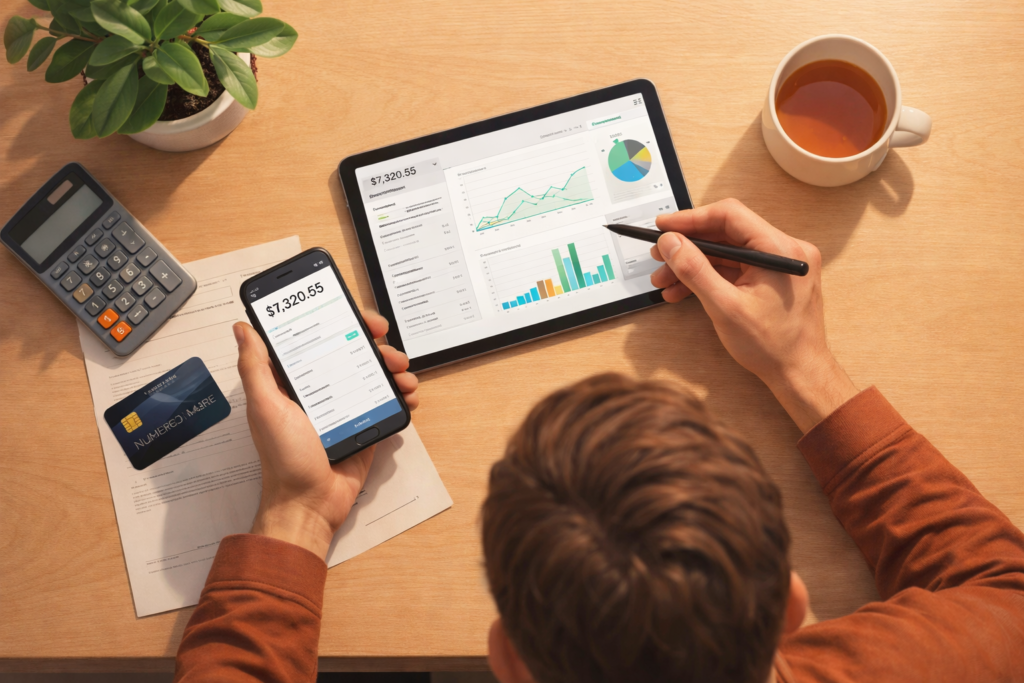
Money can feel confusing for many people. You earn money, you spend money, and then you wonder where it all went. This happens to students, job holders, and even business owners. Many people spend without planning. They buy small things every day. They also forget about bills and sudden expenses. After that, saving becomes very hard. This is why people feel stressed when they think about money.
This blog will help you in a simple and clear way. You will learn what personal finance software is. You will also learn how it helps you track your spending and manage your budget. You will find the best free personal finance tools that you can start using today. You will also learn how to choose the right tool based on your needs, so you do not feel confused.
What Is Personal Finance Software?
Personal finance software is an app or website that helps you manage your money in a better way. It works like a smart money helper. It shows you how much money you earn, how much you spend, and how much you save. It also helps you plan your monthly budget, so you do not waste money without knowing.
What It Helps You Do
Personal finance software helps you handle your money step by step. It can help you:
- Track spending: You can see what you spend on food, shopping, bills, and travel.
- Make a budget: You can set limits for each month, so you do not overspend.
- Save money: You can plan savings and stay focused on saving goals.
- Pay bills on time: Some tools remind you about bills, so you do not miss payments.
- Set money goals: You can set goals like saving for a phone, a trip, or emergency money.
Why People Love It
Many people like these tools because they make money life easier.
- It saves time: You do not need to write everything in a notebook.
- It reduces stress: You feel calm because you know your money plan.
- It helps you stay in control: You make better choices and avoid money problems.
Quick Question: Do you want to control your money instead of letting money control you?
Why You Should Use a Free Finance Tool
- It Helps You Stop “Money Leaks”
Small daily spending like snacks, tea, or online shopping may seem harmless. But over time, these small costs add up and eat into your savings. A free finance tool shows you exactly where your money goes. Once you see it clearly, you can stop wasting money and redirect it toward things that matter more. - It Makes Saving Easier
Saving money feels impossible without a plan. A finance app lets you set clear goals like “Save for a phone,” “Buy new clothes,” or “Build an emergency fund.” It also tracks your progress, so you feel motivated when you see your savings grow. Even saving a small amount daily can add up to a big total by the end of the month. - It Builds Good Money Habits
Using a finance tool encourages you to think before spending. You ask yourself, “Do I really need this?” before buying anything. Over time, this habit helps you spend wisely, avoid impulse purchases, and stay in control of your money. - Mini Real-Life Example
Sara bought snacks every day after college and did not realize how much she was spending. When she started tracking her spending in a free finance app, she saw the problem clearly. She reduced unnecessary snacks and started saving that money. In just one month, she saved 3,000 without feeling stressed or changing her routine drastically.
What to Look For in a Free Personal Finance App
Easy to Use
- Simple menus and clear buttons.
- Start tracking money quickly without confusion.
- No complicated steps or cluttered design.
Budget Features
- Plan monthly spending for food, bills, travel, and fun.
- See clearly how much you can spend in each category.
- Helps avoid overspending and stay on track.
Expense Tracking
- Manual entry gives you full control of your spending.
- Automatic tracking from your bank or cards saves time.
- Shows patterns to help reduce unnecessary spending.
Safety and Privacy
- Keeps your financial data secure.
- Trusted apps don’t misuse your information.
- Gives peace of mind while managing money.
Works on Your Device
- Compatible with phones, tablets, and computers.
- Check your money anytime, anywhere.
- Never miss tracking an important expense.
Top Free Personal Finance Software
1. Mint
Mint helps you track your spending, manage your budget, and plan your money smarter. It connects to your accounts, categorizes your expenses automatically, and sends alerts for bills or overspending. You can see all your financial information in one place and plan for short-term and long-term goals.
Who It’s Best For:
People who want a simple, beginner-friendly tool to manage money easily.
Top Free Features:
- Budget planning
- Spending alerts
- Categorized spending summaries
Pros:
- Easy to use
- Automatic expense tracking
- Visual graphs show where your money goes
Cons:
- Ads can be distracting
- Some features require a US bank account
Small Example:
Mint shows you exactly how much you spend on food in a month, helping you adjust your budget.
2. Goodbudget
Goodbudget uses the envelope method, where you assign money to different categories (envelopes) each month. It helps you plan spending, track expenses, and make sure you do not overspend. It is simple, clear, and perfect for people who want hands-on control.
Who It’s Best For:
People who want strict control over their spending and budgets.
Top Free Features:
- Monthly budget envelopes
- Expense tracking per category
- Simple interface for planning
Pros:
- Encourages disciplined spending
- Easy to see how much is left in each category
Cons:
- Manual entry is required
- Not connected to bank accounts automatically
Small Example:
“You keep 5,000 in the grocery envelope and spend only from that amount each month.
3. Wallet by BudgetBakers
Wallet helps you track every expense, plan budgets, and understand your spending patterns. It generates daily, weekly, or monthly reports and helps you see where your money goes. You can also set goals and track progress easily
Who It’s Best For:
People who want detailed reports and insights about their money.
Top Free Features:
- Spending tracker
- Budget categories
- Reports on income and expenses
Pros:
- Detailed visual reports
- Works with multiple currencies
- Syncs with bank accounts
Cons:
- Some advanced features require premium subscription
- Can be overwhelming for beginners
Small Example:
“You can see all your weekly spending in one screen, like how much went to food, transport, and bills.”
4. Money Manager
Money Manager is perfect for tracking daily income and expenses quickly. You enter your spending and income manually, and it creates simple charts so you can easily see patterns. It helps you control small daily spending habits.
Who It’s Best For:
People who prefer entering their expenses manually and keeping things simple.
Top Free Features:
- Daily expense logs
- Simple visual charts
- Income tracking
Pros:
- Very simple and easy to use
- Focuses on daily money habits
- Helps spot unnecessary spending quickly
Cons:
- Manual entry only
- No automatic bank connection
Small Example:
“You enter: tea = 100, petrol = 500. At the end of the week, you see exactly where your money went.”
5. YNAB
YNAB helps you plan every rupee before you spend it. It teaches you how to prioritize expenses, set goals, and manage money smartly. It focuses on creating strong budgeting habits and long-term financial control.
Who It’s Best For:
People who want full control over their finances and are serious about budgeting.
Top Free Features (Trial):
- Budget planning for every category
- Spending insights
- Goal setting
Pros:
- Excellent for learning money discipline
- Helps build long-term saving habits
Cons:
- Free only for 34-day trial
- Can feel complicated for beginners
Small Example:
“You plan your money before the month starts, so you know exactly how much is for bills, food, and savings.”
6. Personal Capital / Empower
These apps help you track savings, spending, and overall net worth. They give a complete view of your money, including income, expenses, and investments. You can see your assets versus liabilities and plan for long-term goals like buying a home or saving for retirement.
Who It’s Best For:
People who want to see their overall financial picture and plan for the future.
Top Free Features:
- Net worth tracking
- Spending overview
- Investment tracking (if applicable)
Pros:
- Provides a big-picture view of finances
- Great for long-term goals and retirement planning
- Easy to visualize assets vs liabilities
Cons:
- Some features are advanced and may be confusing for beginners
- Premium services cost extra
Small Example:
“You can see how much you own versus how much you owe, helping you plan savings and investments better.
Best Free Finance Tools by Need
- Best for Beginners → Mint
Mint is simple and easy to use. It automatically tracks your spending, shows your budget, and sends alerts if you overspend. Perfect for anyone just starting to manage money. - Best for Budgeting → Goodbudget
Goodbudget uses the envelope method to divide your money into categories like food, bills, and savings. It helps you plan your spending carefully and avoid going over budget. - Best for Tracking → Money Manager
Money Manager is ideal for daily expense tracking. You enter your income and expenses, and it creates simple charts so you can clearly see where your money goes. - Best for Long-Term Planning → Personal Capital / Empower
These apps give a complete view of your finances, including savings, spending, and net worth. They are great for planning big goals like buying a home or saving for the future. - Best for Serious Planning → YNAB (Trial)
YNAB helps you plan every rupee and build strong budgeting habits. It is perfect for people who want full control of their money and long-term financial discipline.
Common Mistakes People Make
1. They Stop After Just a Few Days
Many people start tracking their money with excitement but give up after 2–3 days because it feels like too much work. This is normal!
How to Fix It:
- Start again without guilt: Even if you missed a few days, just begin today.
- Track small steps: Focus on logging just one week at first.
- Build a habit: Consistency is more important than perfection.
Key Point: Tracking money is a skill. The more you do it, the easier it gets.
2. They Don’t Enter Cash Spending
Many people forget to record small cash expenses, like tea, snacks, rides, or tips. While each amount is small, together they add up quickly and can disrupt your budget.
How to Fix It:
- Add cash entries daily: Keep your phone or notebook handy to log each small cash expense immediately.
- Review weekly: At the end of the week, check your cash spending to spot patterns or “money leaks.”
- Estimate if needed: If you forget, try to estimate what you spent instead of skipping it.
Key Points:
- Every small expense matters.
- Ignoring cash spending hides the real picture of your finances.
3. They Set Unrealistic Budgets
Some people try to save too much or cut spending drastically. When the budget feels impossible, they feel frustrated and give up entirely.
How to Fix It:
- Start small and realistic: Set achievable limits for each category, like saving 500–1,000 per week or limiting snacks instead of cutting all fun spending.
- Adjust gradually: Increase your savings or reduce spending slowly as you get used to the habit.
- Focus on habits: The goal is to build smart money habits, not to punish yourself.
Key Points:
- Realistic budgets are easier to follow and maintain.
- Gradual changes lead to long-term success.
Conclusion
Free personal finance tools make managing your money easier. They help youtrack yourspending, plan your budget, and save more without stress. You don’t need to use all apps at once—start with one that fits your needs. Try it for 7 days, and focus on improving just one spending habit at a time. Small steps add up to big results.
FAQ
Can I use these apps for family budgeting?
Yes! Many apps allow multiple accounts or shared budgets, so you can track household expenses together. This is great for families or roommates who want to manage money collectively.
Are there apps that show reports or charts?
Yes! Apps like Wallet and Mint create visual reports, showing weekly, monthly, or yearly spending patterns. This helps you see where your money leaks and make better decisions.
Can I set savings goals in these apps?
Yes, you can set goals like saving for a phone, trip, or emergency fund. The app shows your progress and motivates you to save consistently.
Do I need an internet connection to use these apps?
Some apps work offline for manual entry, but features like automatic bank syncing or cloud backup need an internet connection.
Can I track both cash and card spending?
Yes! Most apps let you track cash, debit, credit, or digital payments in one place. This gives a full picture of where your money is going.
How much time does it take daily?
Tracking your spending takes only 2–5 minutes per day. If you make it a habit, it becomes quick and easy, and the small daily effort pays off in better savings and control over money.
Can students use finance apps?
Absolutely! Finance apps are perfect for students who want to control pocket money, track daily spending, and save for small goals like outings, gadgets, or school supplies. It helps develop good money habits early.
Can I use these apps without linking my bank account?
Yes! Many apps allow manual entry of income and expenses. You can record cash spending, online payments, or allowances without connecting your bank. This is great for people who prefer privacy or don’t want automatic syncing.